Dr Robert E. Blackwell
Data Scientist and Research Software Engineer.
Introduction
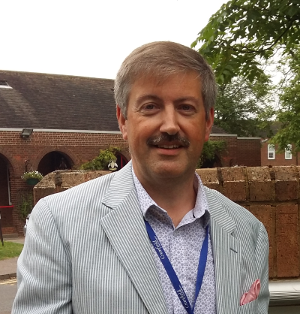
Rob is a Senior Research Associate, Foundation Models, at the Alan Turing Institute, the UK’s national institute for data science and artificial intelligence.
Podcasts
The Alan Turing Institute Podcast. Turing deployment at sea: identifying plankton in real time.
Articles
Open minds: How open-source tools are broadening the horizons for data science.
Revealing hidden details of the ocean floor.
Publications
Alan Turing Institute Data Study Group Final Report: Centre for Environment, Fisheries and Aquaculture Science Automated identification of sea pens using OpenCV and machine learning.
Alan Turing Institute Data Study Group Final Report: Centre for Environment, Fisheries and Aquaculture Science Plankton image classification.
Blackwell, R.E, 2020. Real-time reporting of marine ecosystem metrics from active acoustic sensors. University of East Anglia PhD thesis.
Blackwell, R.E., Harvey, R., Queste, B.Y. and Fielding, S., 2019. Colour maps for fisheries acoustic echograms. ICES Journal of Marine Science. (Supplementary software and data.).
Blackwell, R., Harvey, R., Queste, B. and Fielding, S., 2019. Aliased seabed detection in fisheries acoustic data. arXiv preprint arXiv:1904.10736. (Supplementary software.).
Blackwell, R., 2016. Can satellite synthetic aperture radar be used to detect and classify offshore installations?. Cranfield University MSc thesis.
Albakour, M. D., Blackwell, R.E., Kruschwitz, U., Lucas, S., 2009. Managing Collaboration Projects using Semantic Email Search. SemSearch 2009, Madrid, Spain.
Family history
My grandfather
Ordinary Telegrapher AER Rowe
World Jamboree 1929